What do you do to get sprites, music, sounds and other resources? Do you create them or get them from the internet? And if you create them, what program do you use, or what website do you go to? I'm getting into GameMaker (still on tutorials until the semester ends), and I'm wondering where to get other resources than what's prepackaged.
Sprites
I first start with place holder sprites. I make these in Gamemaker's in-program graphics editor (basically MS Paint+1). My placeholder graphics are usually solid squares, circles and so on representing the hitbox.
Next, when I'm ready for animation, I download some sample sheets from the internet. Google Image Search usually. If I'm making a platformer I use Mario for example.
Once all the animations are working correctly I replace them with actual graphics. I make these in an old program called Grafx2. It's a 256 colour editor with quick functions for shapes and shading. I use it since it's very fast, not because it has a lot of features.
Backgrounds
Depending on what I'm trying to accomplish I use a combination of Grafx2 and GIMP. Grafx2 has a very nice circles/spheres tool. Here's a sample I made:
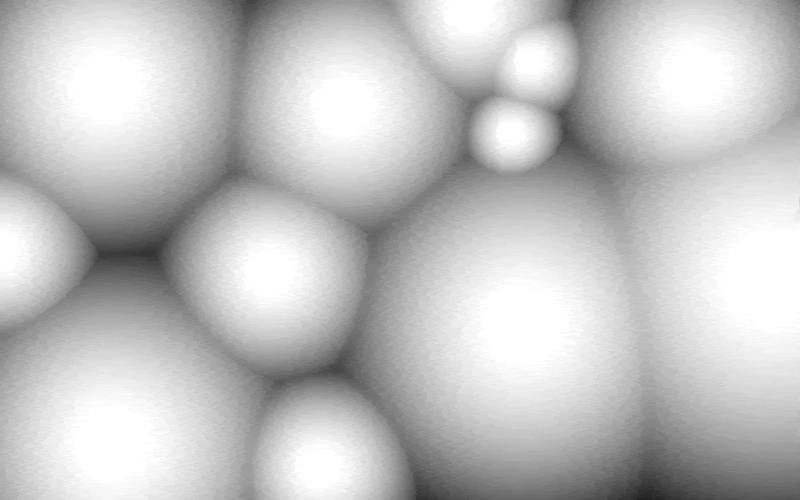 |
| This is a quick sphere template |
It takes roughly 30 seconds to make one of these in Grafx2. After that I open up the image in GIMP and add a lot of filters. Take a look at these two pictures. Notice the arrangement of the circles. I used the same spheres template for both of them.
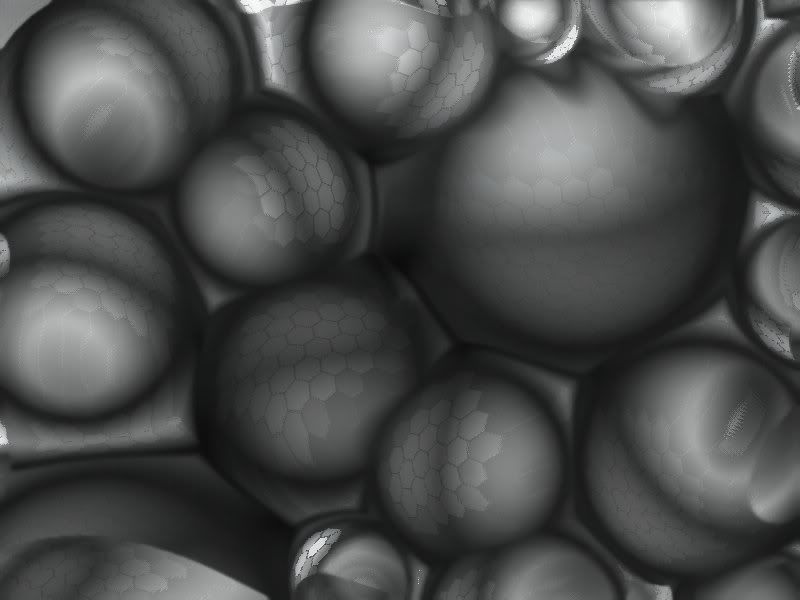 |
| Added mosaic and reflections |
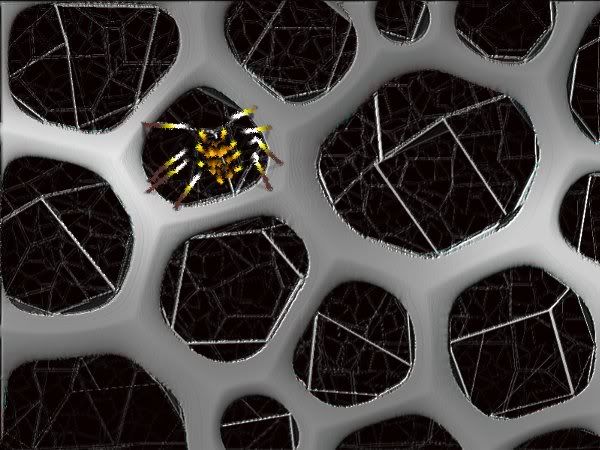 | ||
| Lines for webs, spray tool for spider. |
Making graphics like this is my favourite part. Unfortunately it's very hard to stay thematic when designing like this. Suppose I need a forest and an ocean; If I'm quick designing like above there might be nothing even remotely resembling trees or water. Other than that the combination of Grafx2 and GIMP is great for me. In the past I used a program called sTile or something like that for making tessellations, but I've never been able to find it again since my Windows 3.1 days.
Music and Sound
Typically I use the FL Studio demo. I'm not attached to it, but I'm not very good with sound anyway. The only downside to the demo is you can't save works in progress. However, you can still export files. This means if you "one-shot" it you still get most of the functionality. This is not good for making music, but great for making sound effects. A couple "3x osc"'s and reverb effects and you have a sword strike or fireball... easy. I don't really have a program for making music. In the past I used Noteworthy Composer to edit MIDI files, but that's not really good for music in modern games (even indy ones).
---
Feel free to leave a comment if you have any more questions.
[][][][][][][], Lok

This is both awesome and sexy. I'll need to look into getting those programs. Thanks for the help.
ReplyDelete